Changing a Rider’s Entry or Adding Documents

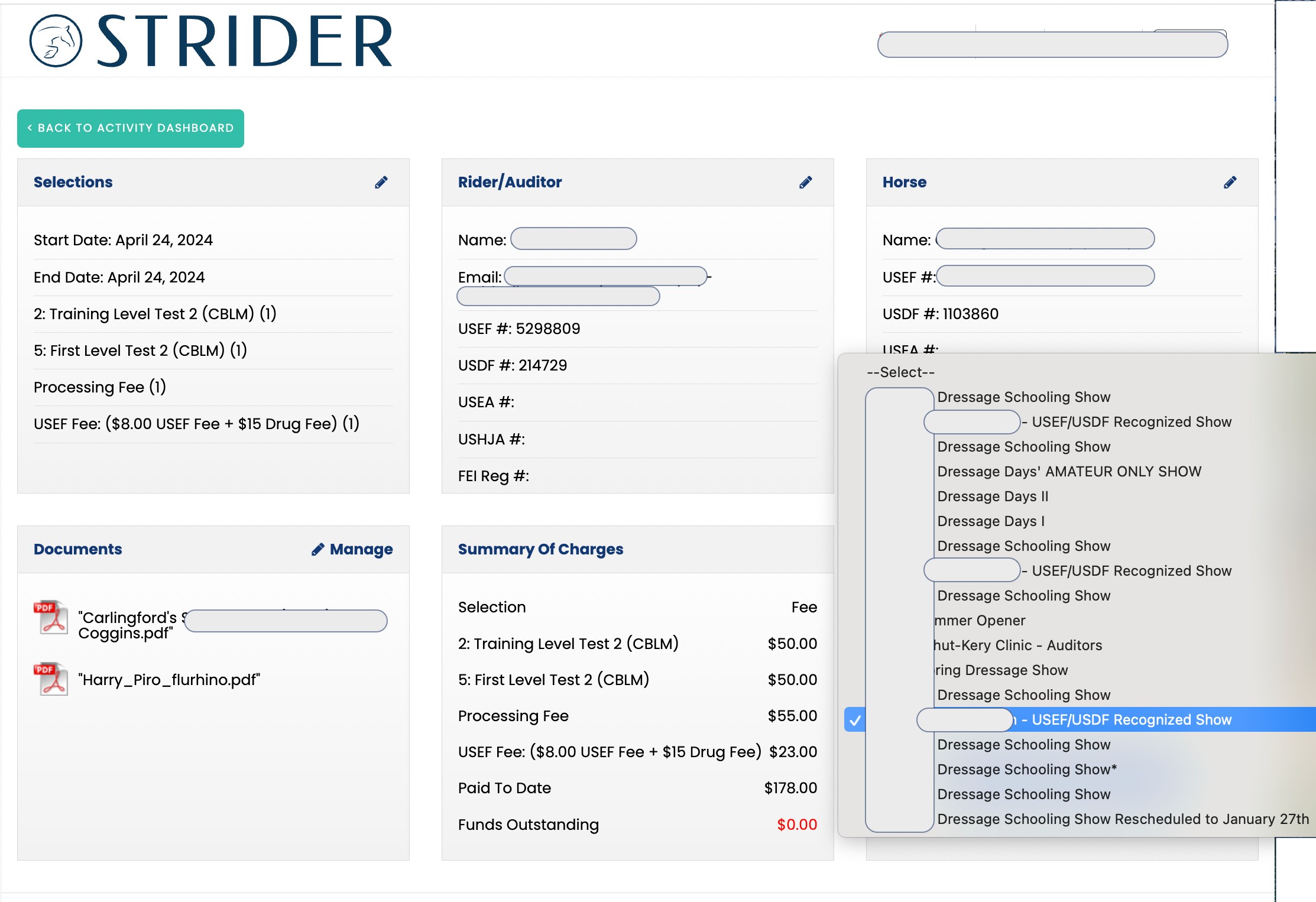
Sometimes after a rider enters you might want to make edits to their entry.  Here’s how to get it done:

Change Rider’s Name or Horse’s Name,  or even the Selection

  •  Click the Edit Icon underneath their name. That will bring up your Change Interface.
  • Make the changes you want, then hit SAVE. That’s it!

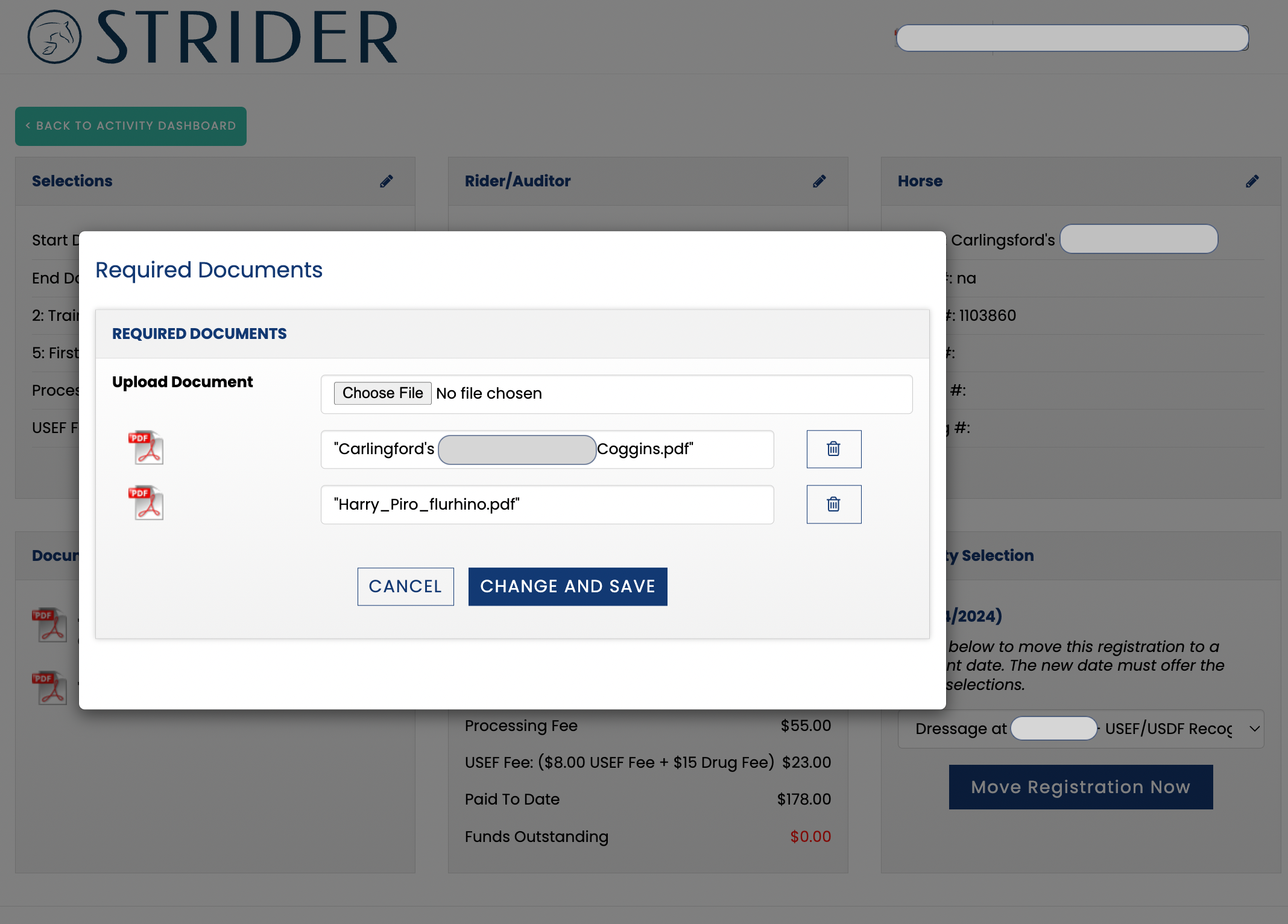
Add Documents

  • You can add documents by clicking Edit icon in the lower left tab. 
  • Upload the docs you want, then click save.