Invest in a high-resolution, eye-catching image for your activity promo photo and get the photographer’s permission to use it. (or even better-buy it!)
➟ Nothing will discourage rider entries more than a grainy, poorly light photo as your promo photo. ➟ The cost of purchase will quickly be recaptured in boosted show entries. You can always overlay your logo on it via Canva.
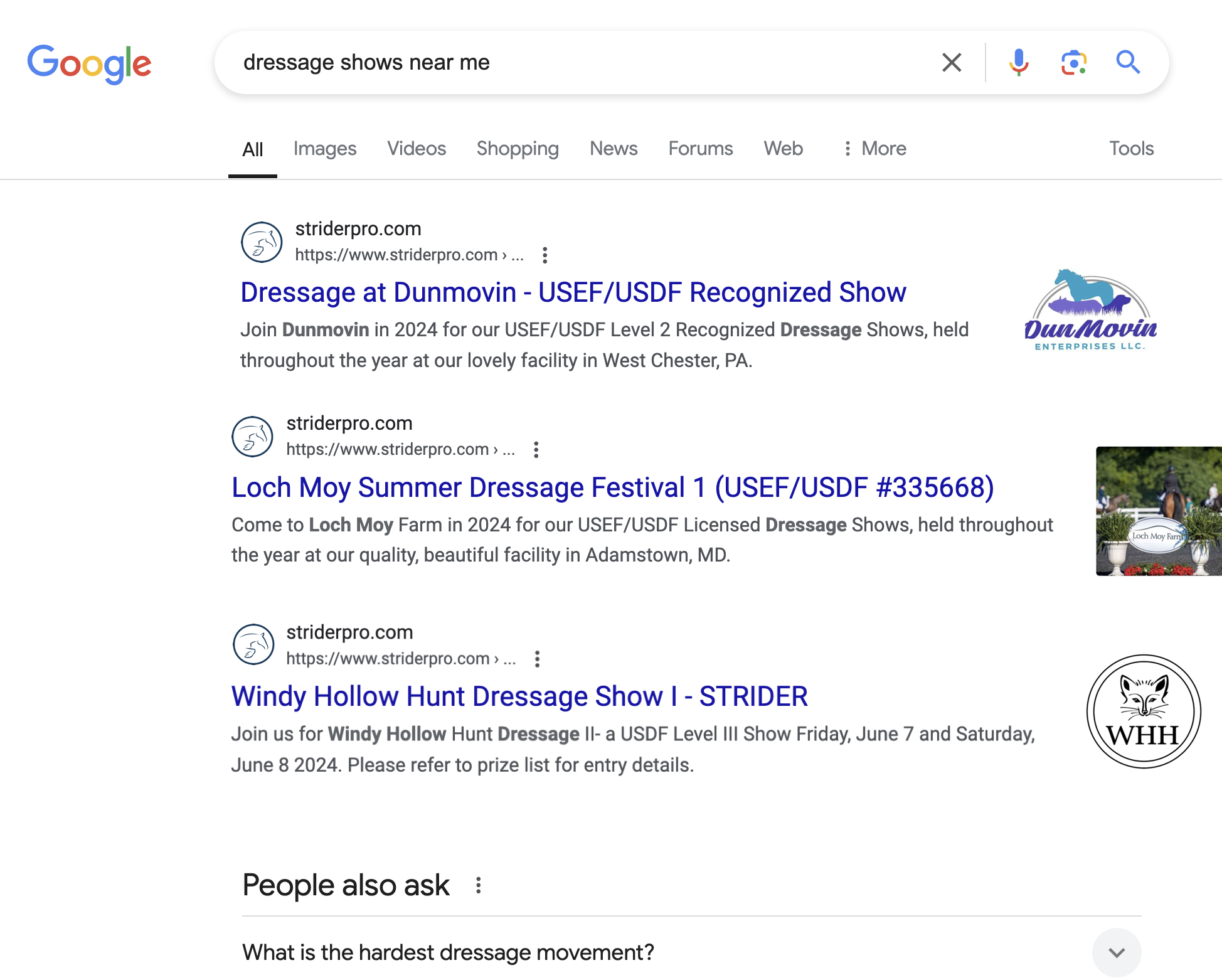
Get bonus advertising on Google: Change the file name of your promo photo on STRIDER to have the name of your venue and the activity name. With StriderGold, you’ll enjoy way more Google hits (aka rider eyeballs on your show) with “BlueStarFarm_May2023GrandPrixJumperShow.jpg” vs “screenshot_54hi4365yoiwer.png”
Get permission to use the photo BEFORE you post it on Strider
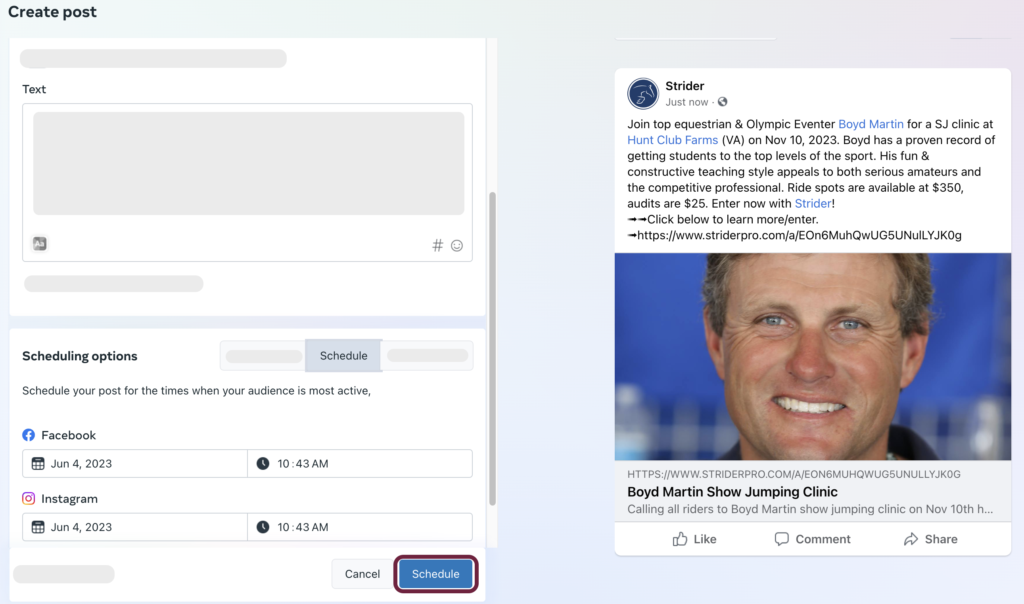
Facebook
Instagram
POST Strider URL weekly
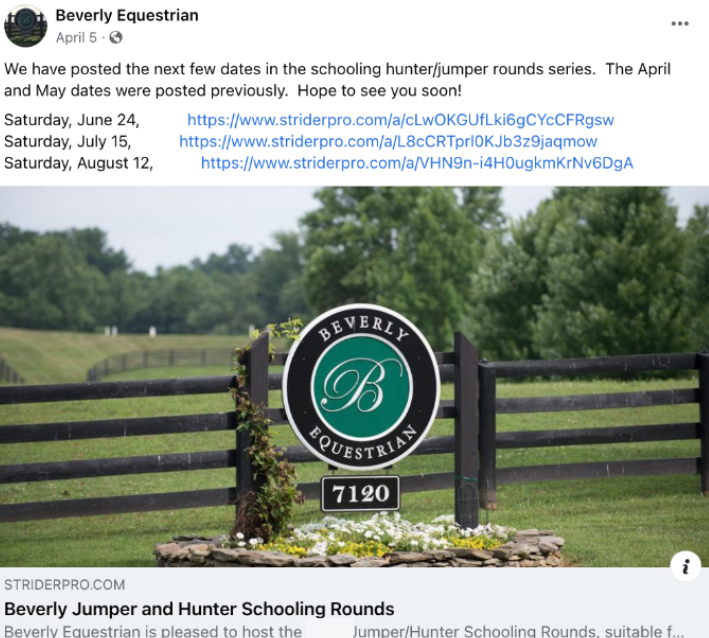
SHARE Strider URL to Facebook equestrian groups
Tag sponsors + key attendees in the caption
Schedule Instagram posts every 3-5 days
Use video + stories wherever possible
Tag sponsors, key attendees, @striderworld
Notice: The 1st sentence of your STRIDER description automatically displays on Facebook- make it count!
Email
Your marketing list compliments your StriderGold visibility. It is one of your best business assets. Emails are personal and effective and drop directly into the inboxes of those you are targeting. Use it to your advantage.
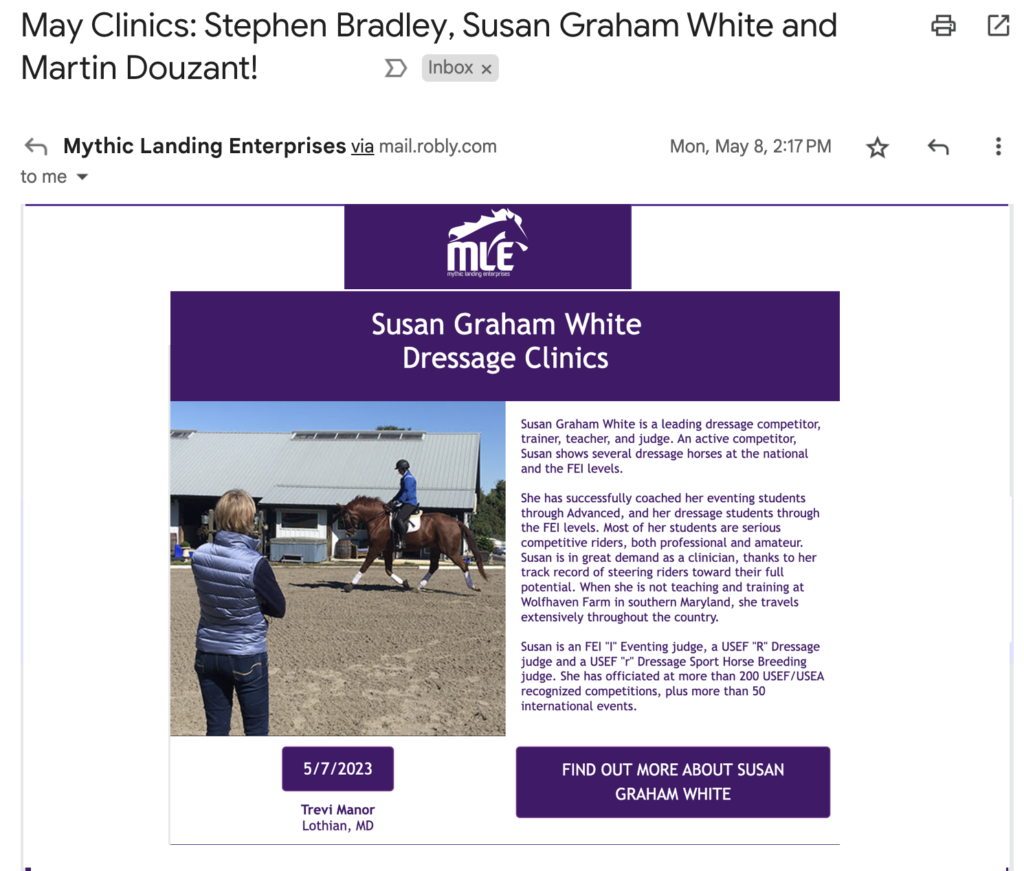
➟ Be sure every email includes a button to click directly to your Strider Entry URL.
➟ Email any trainer you host for a clinic, their social media POCs, and the STRIDER URL for the clinic. That way, they can share it on their personal pages and boost your entries.
Email Riders an invitation to enter your horse show
Email Clinician the Strider URL to cross promote
Email your Sponsors & Vendors so they can cross promote
Email your judges-they can post with "I'll be at XYZ on xx/xx"