If you’re posting a show or clinic on STRIDER, here’s a simple guide to make sure riders can find it, understand what’s required, and have a smooth experience — before and during the event.
✅ 1. Start With a Friendly Invitation
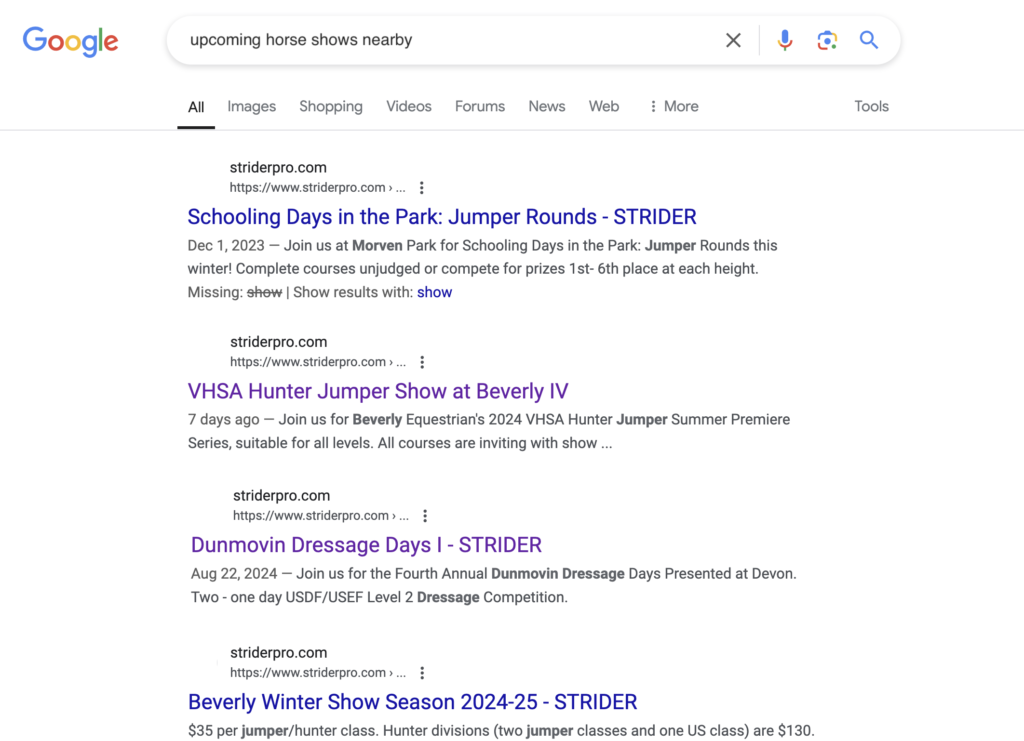
Begin your description with a warm welcome. Make it something you’d be proud to have show up on Google when people search for your show or clinic.
Example:
We’re excited to invite you to our Schooling Show at Flying Colors Farm in Belchertown, NJ on August 12, 2026. Join us for Dressage, a Combined Test—or both! All levels welcome.
✅ 2. Be Clear About What You Need
Tell riders exactly what counts as a complete entry. This saves everyone time and avoids back-and-forth later.
Example Text:
A complete entry must include:
Rider’s full name, horse’s name, and trainer info
Rider’s cell phone + emergency contact
A clear photo or file of the horse’s negative Coggins
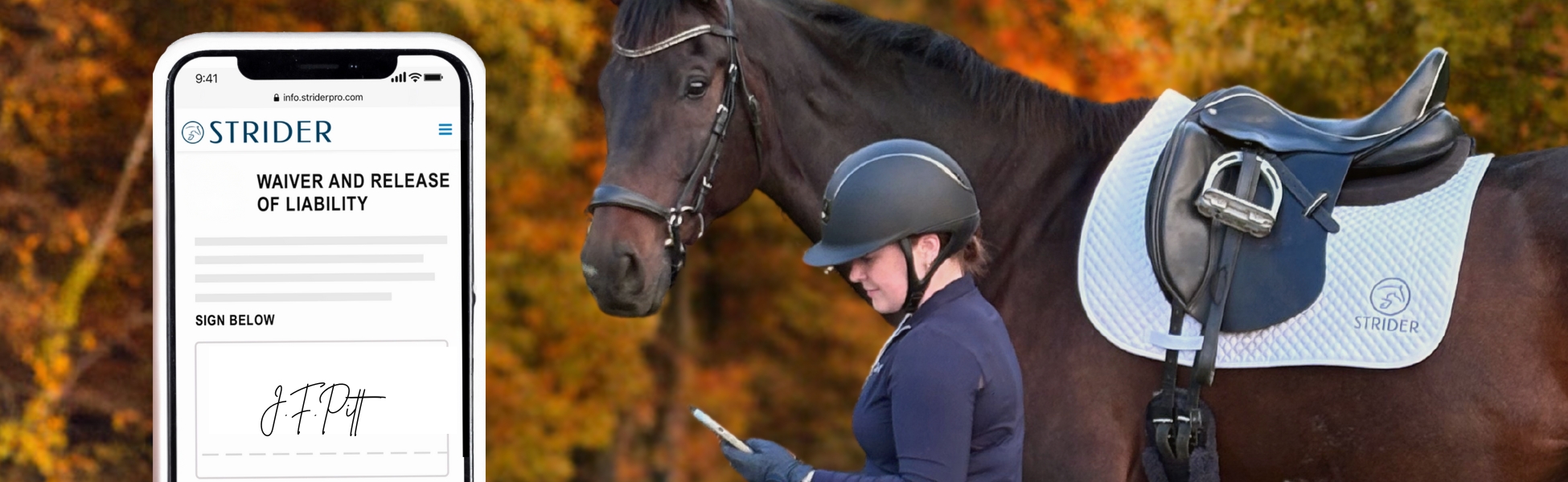
A signed waiver (link and steps below)
Full payment through STRIDER (no checks or cash accepted)
Tip: If the Coggins image is too blurry to read, it doesn’t count!
✅ 3. Give Riders Your Waiver Link
Today’s riders prefer digital tools. Help them complete waivers before show day.
Share your policies clearly. Think of this like saying “DOOR!” before walking into the arena — it shows courtesy and avoids surprises.
Example Text:
Before the closing date:
Changes to classes/tests: $10 fee + processing, handled via STRIDER.
Changes to rider or horse: free if updated documents are attached
Scratch and refund: $20 office fee applies
After the closing date:
No guaranteed changes/refunds
✅ 5. Share “Day-Of” Info
Let riders know what to expect on the day of the event — and who’s there!
Example Text:
Please check in at the show office to get your bridle number. Photos by Erin Gilmore Photography – visit eringilmorephotos.com to purchase after the show.
We look forward to welcoming you and creating a great experience together!
Final Tip: Use STRIDER to Your Advantage!
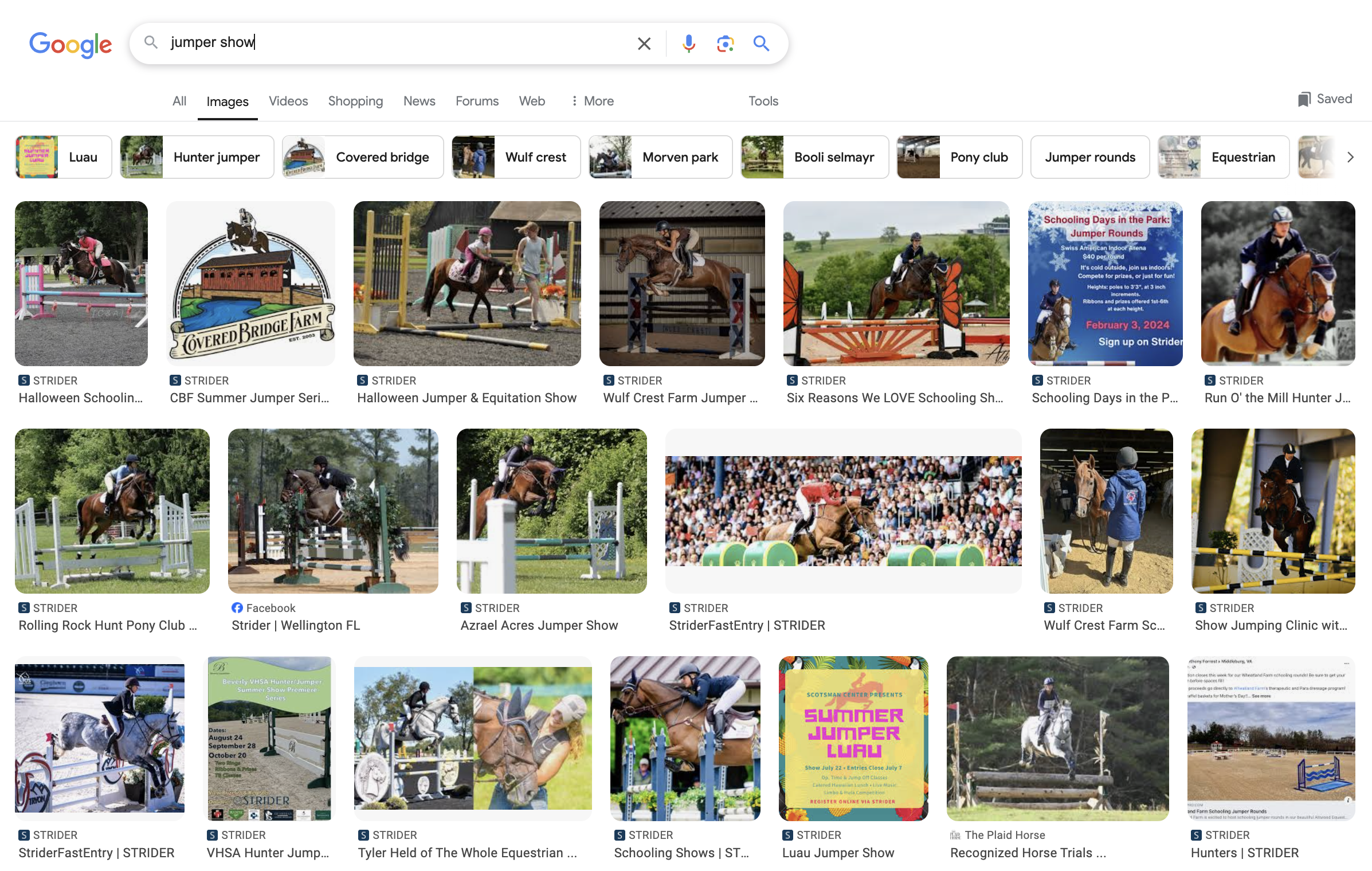
Your show description is visible on Google to anyone searching online.
Use inviting language, great photos, and clear info — it will help grow your brand and reputation long-term.