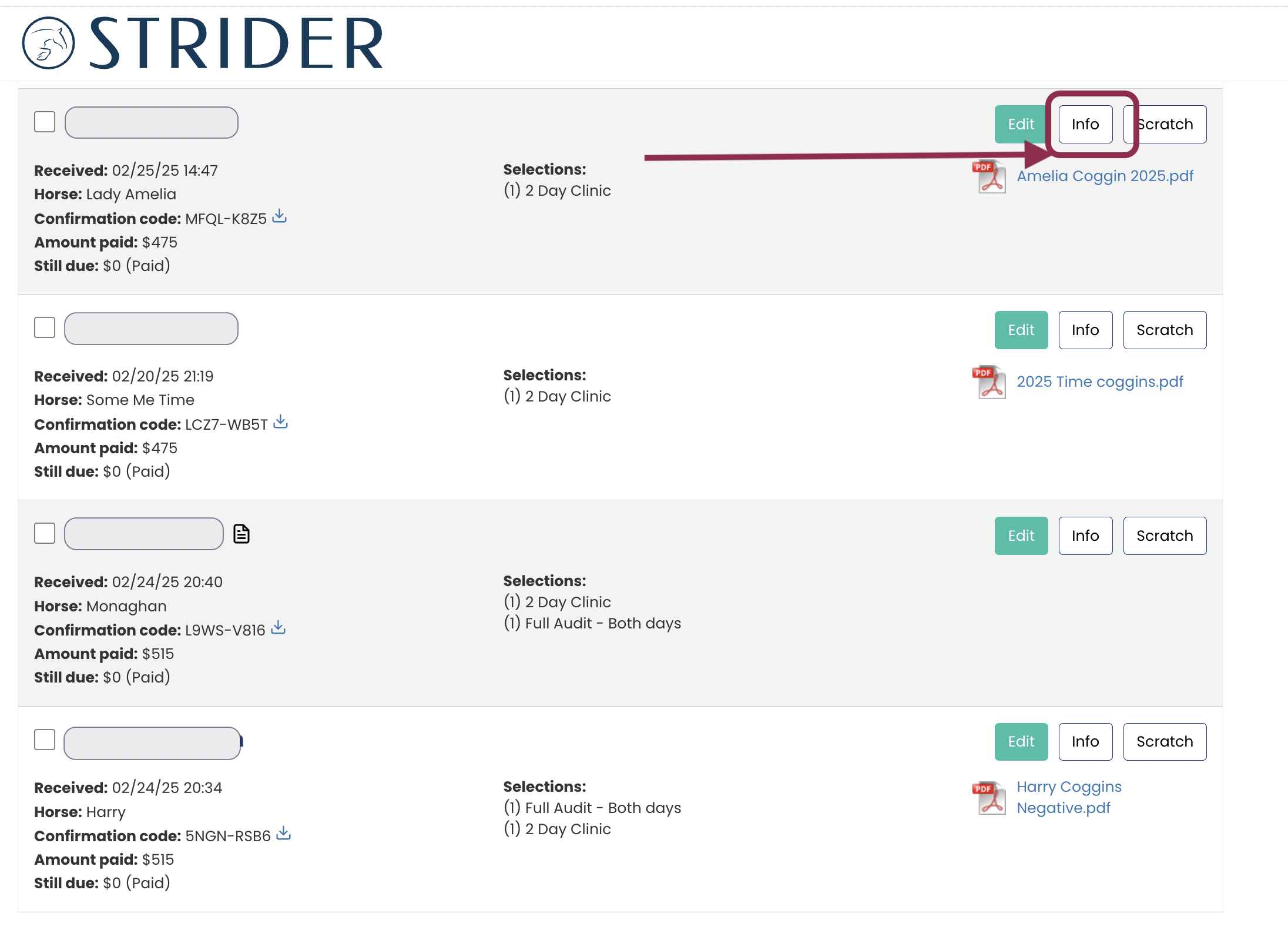
1.) Go to Your Organizer Dashboard + Click <View Entries> for the Activity You Want to Organize
2.) Click <Info> next to the Rider
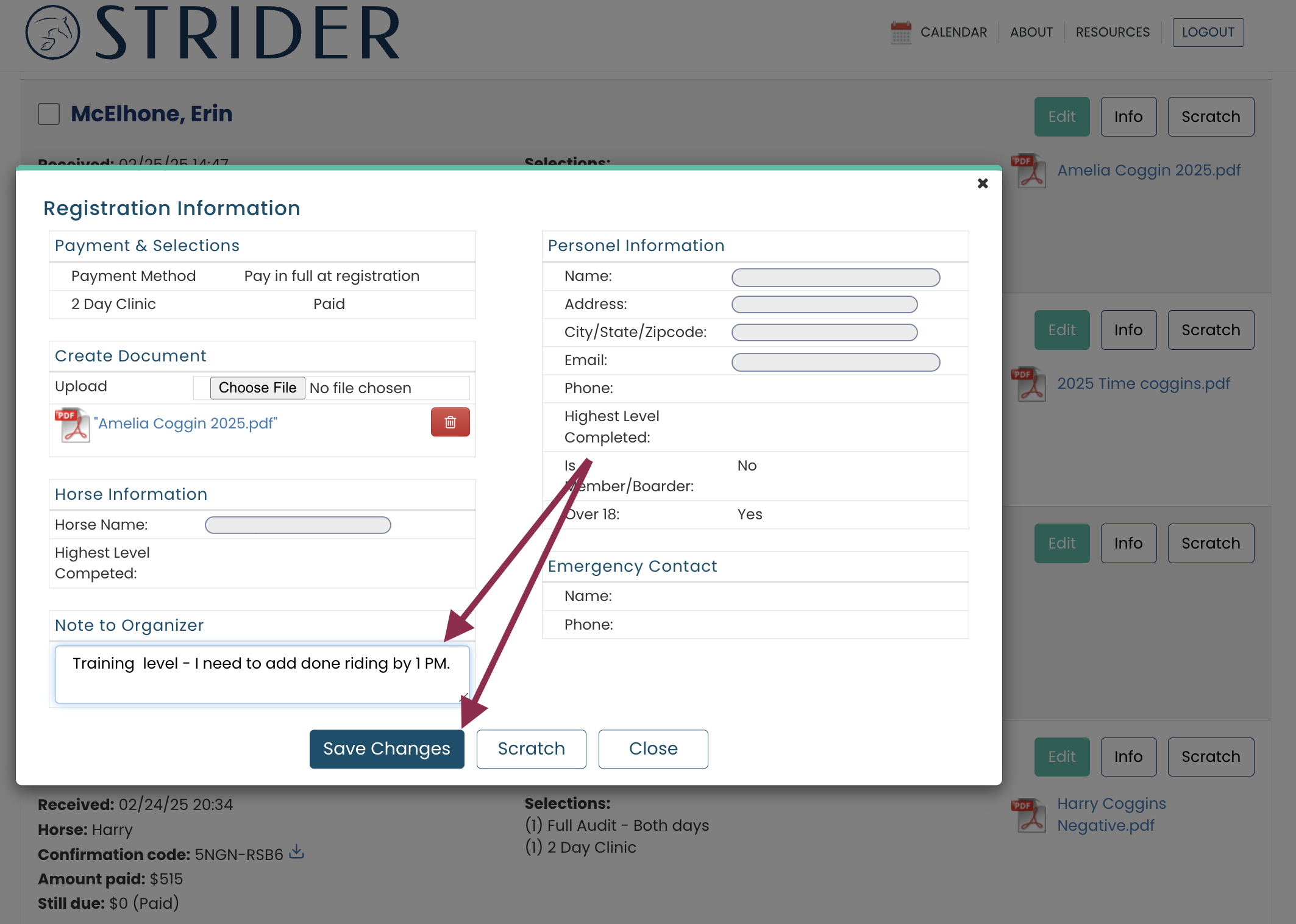
2.) Make whatever edits you like, then Save.
The Note Icon will appear next to the rider’s name for easy reference!